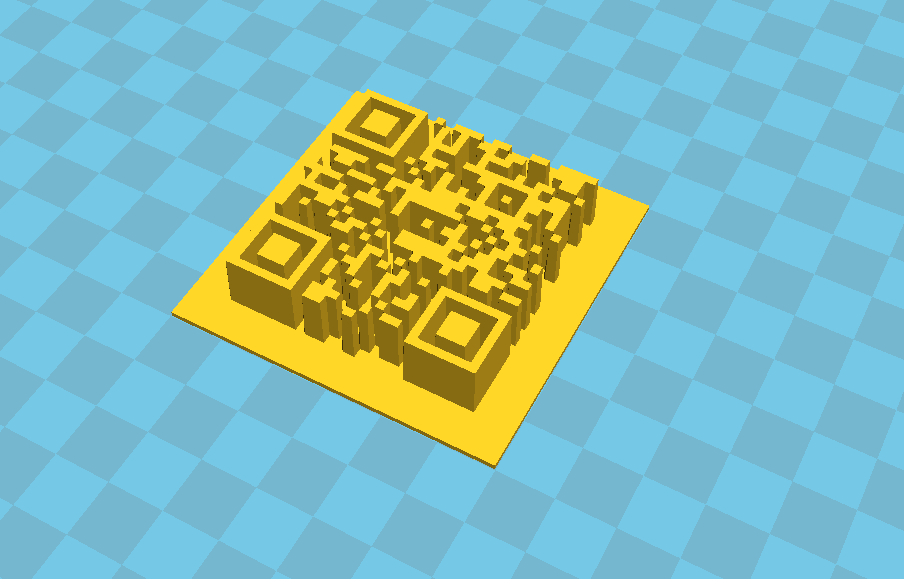
This is the method that I use to generate a 3D model from a QR code.
1) Generate a QR code using a site like qrstuff.com (remember, you can create a link to many things, including a website, a text message, a dropbox, etc.)
2) Save the QR to your computer. Open up an image editor and save a version as a .bmp or .jpg
3) Open up Cura, drag and drop the image file onto the bed.
You’re done! Print it out, put it on a window, and scan with your QR app of choice! Alternatively, you could save your platform as an .stl and then edit it onto something you’ve already created.